

NEWYou can now listen to Fox News articles!
When you upload a photo to Facebook, you expect it to stay private unless you decide otherwise. That expectation just took a hit after a former employee of Meta was accused of accessing thousands of private images.
According to details confirmed by the company, the London-based employee allegedly created a program to bypass internal safeguards. Investigators say this may have allowed access to about 30,000 private Facebook images that were not meant to be viewed.
The individual is now under criminal investigation and is out on bail as authorities continue to review the case. Here’s how investigators say the access may have happened.
Sign up for my FREE CyberGuy Report
- Get my best tech tips, urgent security alerts and exclusive deals delivered straight to your inbox.
- For simple, real-world ways to spot scams early and stay protected, visit CyberGuy.com trusted by millions who watch CyberGuy on TV daily.
- Plus, you’ll get instant access to my Ultimate Scam Survival Guide free when you join.
META SMART GLASSES PRIVACY CONCERNS GROW
A former Meta employee is accused of accessing thousands of private Facebook images, raising new concerns about how user data is protected. (Fabian Sommer/picture alliance via Getty Images)
How the Meta employee allegedly accessed private images
Authorities believe the employee may have written a script to get around Meta’s internal detection systems. In simple terms, the system that should flag unusual behavior may not have caught the activity right away. This detail matters because large tech platforms rely on monitoring tools to detect suspicious access patterns. When those checks are bypassed, it raises questions about how internal access is controlled.
The investigation is being handled by the cybercrime unit of the Metropolitan Police in London. At the same time, security experts often point out that insider threats are difficult to eliminate. Even strong systems can be tested when someone inside the company misuses their access.
What Meta says about the employee investigation
Meta says it discovered the improper access more than a year ago and took action after identifying the issue.
“Protecting user data is our top priority,” a Met spokesperson told CyberGuy. “After discovering improper access by an employee over a year ago, we immediately terminated the individual, notified users, referred the matter to law enforcement, and enhanced our security measures. We are cooperating with the ongoing investigation.”
Legal risks in the Meta private images case
Data protection experts say cases like this often come down to both intent and safeguards. If an employee accesses personal data without authorization, that can lead to criminal charges under data protection and computer misuse laws. However, the company’s responsibility depends on the protections it had in place. If proper safeguards existed, the focus usually remains on the individual.
If not, regulators may consider penalties or legal claims against the company. The Information Commissioner’s Office, the U.K.’s data privacy watchdog, has acknowledged the incident. The agency stressed that social media users should be able to trust how their personal information is handled.
Why the Meta investigation is drawing attention now
This case is unfolding at a time when scrutiny of major tech platforms is already high. Recent legal challenges have raised broader concerns about how companies protect users and manage risk. That context adds weight to this investigation. It reflects a larger conversation about privacy and accountability in the tech industry. As more people rely on digital platforms, expectations around data protection continue to rise. Incidents like this tend to reinforce those concerns.
META REPORTEDLY BUILDING AN AI VERSION OF MARK ZUCKERBERG TO INTERACT WITH COMPANY EMPLOYEES

Mark Zuckerberg walks through the U.S. Capitol after a meeting on March 26, 2026. Investigators in London say a former Meta employee may have used a script to bypass safeguards and view about 30,000 private Facebook images. (Tom Williams/CQ-Roll Call, Inc via Getty Images)
Simple ways to protect your private photos
Even though this case involves an insider, there are still simple steps you can take to better protect your photos and limit who can see them.
1) Check your Facebook privacy settings
You cannot control what happens inside a company, but you can limit how much of your personal content is exposed. Start by reviewing your Facebook privacy settings.
(Settings may vary depending on device and app version)
Mobile (iPhone/Android):
Facebook: Menu > Settings & privacy > Settings > Audience and visibility > Posts > Who can see your future posts > select Friends (or a custom audience) > Save
Desktop (Mac/PC):
Facebook: Profile picture (top right) > Settings & privacy > Settings > Audience and visibility section > Posts > Who can see your future posts > select Friends (or a custom audience) > Done
2) Review older photos and albums
Next, go through older photos and albums. Many people forget that photos shared years ago may still be visible under outdated settings.
(Settings may vary depending on device and app version)
Mobile (iPhone/Android):
Facebook: Menu > Settings & privacy > Settings > Audience and visibility > Posts > Limit who can see past posts > Limit who can see past posts > Limit past posts > confirm
Desktop (Mac/PC):
Facebook: Profile picture > Settings & privacy > Settings > Audience and visibility section > Posts > Limit who can see past posts > Limit past posts > confirm
And check individual albums:
Mobile (iPhone/Android):
Facebook: Go to your profile > Photos > Albums > select an album > tap Edit (top right) > Who can see this? > choose who can see it > Done
Desktop (Mac/PC):
Facebook: click your name on the left > Photos > Albums > select an album > click the three dots > Edit album > choose who can see it > Done
Not all albums can be changed, and some system albums have limited privacy options.
3) Be careful what you upload
It also helps to limit what you upload in the first place. Sensitive images, documents or anything you would not want widely seen may be better kept off social platforms entirely.
META AI EDITS YOUR CAMERA ROLL FOR BETTER FACEBOOK POSTS
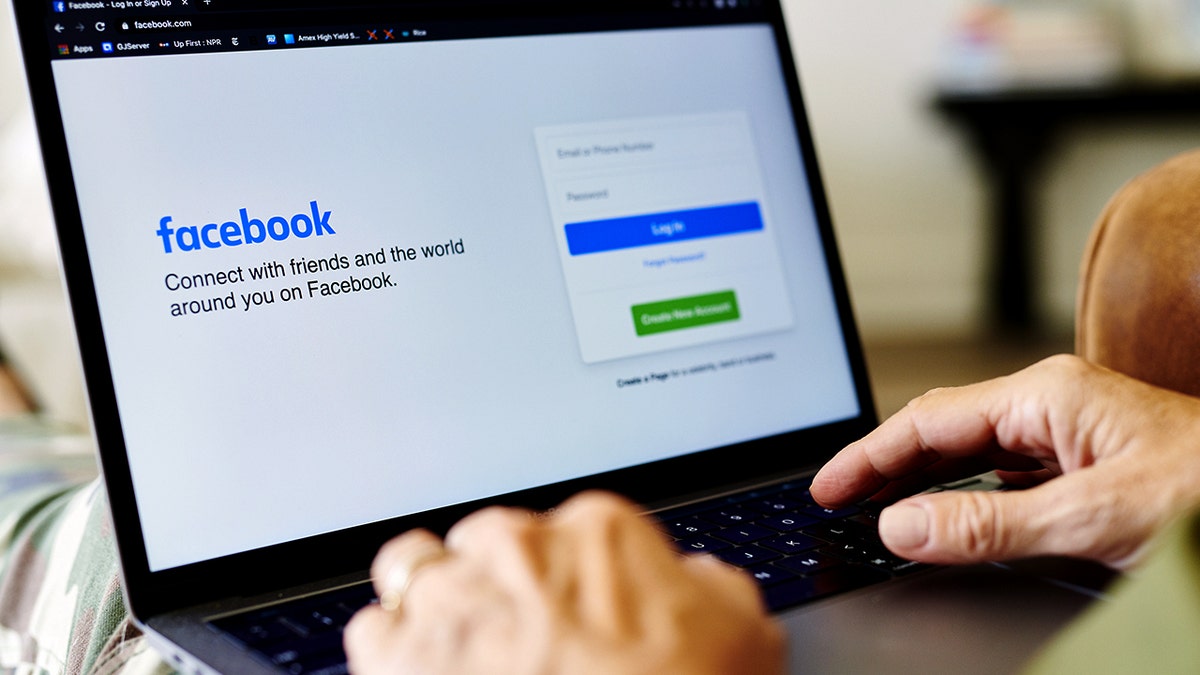
Authorities are investigating whether a former Meta employee improperly accessed private Facebook photos that users never intended to share. (Gabby Jones/Bloomberg via Getty Images)
4) Turn on account activity alerts and two-factor authentication
You can also enable alerts for unusual account activity. While this case involves an insider, account alerts still help you spot unauthorized access to your own profile. You can also turn on two-factor authentication (2FA) to add another layer of protection to your account.
How to turn on account activity alerts
(Settings may vary depending on device and app version)
Mobile (iPhone/Android):
Facebook: Menu > Settings & privacy > Settings > Accounts Center > Password and security > Security Checkup > review and complete recommended security steps
Desktop (Mac/PC):
Facebook: Profile picture (top right) > Settings & privacy > Settings > Accounts Center > Password and security > Security Checkup > review and complete recommended security steps
How to turn on two-factor authentication
(Settings may vary depending on device and app version)
Mobile (iPhone/Android):
Facebook: Menu > Settings & privacy > Settings > Password and security > Two-factor authentication > choose text message or authentication app > follow prompts
Desktop (Mac/PC):
Facebook: Profile picture > Settings & privacy > Settings > Password and security > Two-factor authentication > choose text message or authentication app > follow prompts
5) Check third-party app access
Take a few minutes to review which apps have access to your Facebook account. Third-party apps can sometimes hold more access than you expect.
(Settings may vary depending on device and app version)
Mobile (iPhone/Android):
Facebook: Menu > Settings & privacy > Settings > Apps and websites > Active > tap an app > Remove
Desktop (Mac/PC):
Facebook: Profile picture (top right) > Settings & privacy > Settings > Apps and websites > Active > click an app > Remove
If you don’t see any apps listed or options like “Active,” it likely means you don’t have any connected apps to review.
What this means to you
If you use Facebook or similar platforms, this situation highlights something many people overlook. Even with strong safeguards, insider access still exists. Employees often need certain permissions to keep systems running. That creates a level of trust between users and the company.
When that trust is broken, it can feel personal. At the same time, there are still steps you can take on your end. Reviewing your privacy settings, limiting what you share and enabling security features can reduce how much of your content is exposed. It also shows why detection and response matter.
In this case, Meta says it identified the issue, removed the employee and notified users. Those steps can limit damage, but they do not erase the concern. The bigger takeaway is that privacy depends on both technology and human behavior. Systems can reduce risk, but they cannot remove it completely.
Take my quiz: How safe is your online security?
Think your devices and data are truly protected? Take this quick quiz to see where your digital habits stand. From passwords to Wi-Fi settings, you’ll get a personalized breakdown of what you’re doing right and what needs improvement. Take my Quiz here: Cyberguy.com
Kurt’s key takeaways
This case is still under investigation, and no final legal outcome has been announced. Even so, it highlights a risk many people rarely think about. Most privacy conversations focus on hackers. This situation is different. It shows how access from inside a company can create its own set of risks. Meta says it acted quickly by removing the employee, notifying users and strengthening its systems. Those steps matter, but they also show how much trust users place in the platforms they use every day. The reality is simple. Once you upload something online, you are trusting more than just the technology behind it.
If someone inside a company can access private data, how much control do you really have over what you share online? Let us know by writing to us at Cyberguy.com.
CLICK HERE TO DOWNLOAD THE FOX NEWS APP
Sign up for my FREE CyberGuy Report
- Get my best tech tips, urgent security alerts and exclusive deals delivered straight to your inbox.
- For simple, real-world ways to spot scams early and stay protected, visit CyberGuy.com trusted by millions who watch CyberGuy on TV daily.
- Plus, you’ll get instant access to my Ultimate Scam Survival Guide free when you join.
Copyright 2026 CyberGuy.com. All rights reserved.

