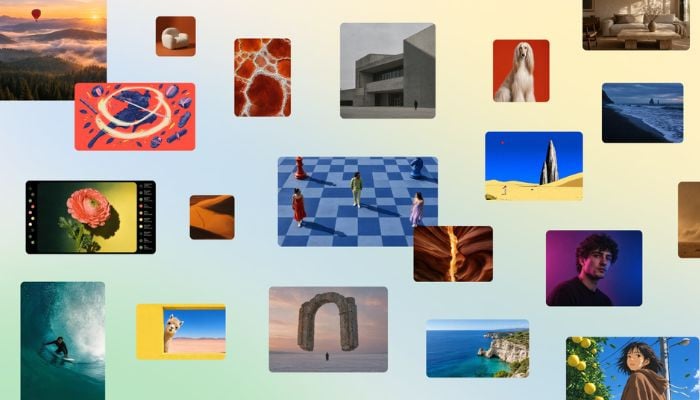
Canva has launched its first publicly available AI image generation model, Canva Craft, as it seeks to compete directly with models from OpenAI, Google, Meta, and ByteDance.
Developed by Canva Research with contributions from researchers at Leonrado.Ai, which Canva acquired in 2024, Craft uses a two-stage architecture. The first stage interprets the user’s prompt and creates a composition plan covering spatial relationships, relative scale, visual hierarchy and text placement.
The second stage turns that plan into an image at up to 2K resolution across more than 30 aspect ratios, with text support in 55 languages.
Unlike rival models trained on photographs, Craft was trained on millions of human-made templates from Canva’s library, including posters, menus, presentations and infographics. Canva says this gives it greater precision, consistency and control, especially for legible text and accurate object placement.
The model debuted at fourth place on DesignArena’s leaderboard for AI image generation, behind three OpenAI GPT-Image models but ahead of Google’s Nano Banana 2.1.
Canva Craft works by reading your prompt and building a composition plan including element positions, relative scale, visual hierarchy, and where text goes. The plan is rendered into an image at up to 2K resolution, in 30+ aspect ratios, with text in 55 languages.
How to enable/ use it
- Sign in to your Canva account (free accounts work, subject to AI usage limits)
- Open a design or create a new one.
- Go to the Dream Lab tab.
- Select Canva Craft as your image model.
- Type your prompt and choose resolution/ aspect ratio.
- Generate, then refine with Magic Layers to edit text and objects.
To disable, org/ class admins can turn off the tool in admin settings.
Canva says it is developing faster, more cost-efficient versions called Craft-fast and Craft-ultrafast, alongside advanced editing and reference-image capabilities.