
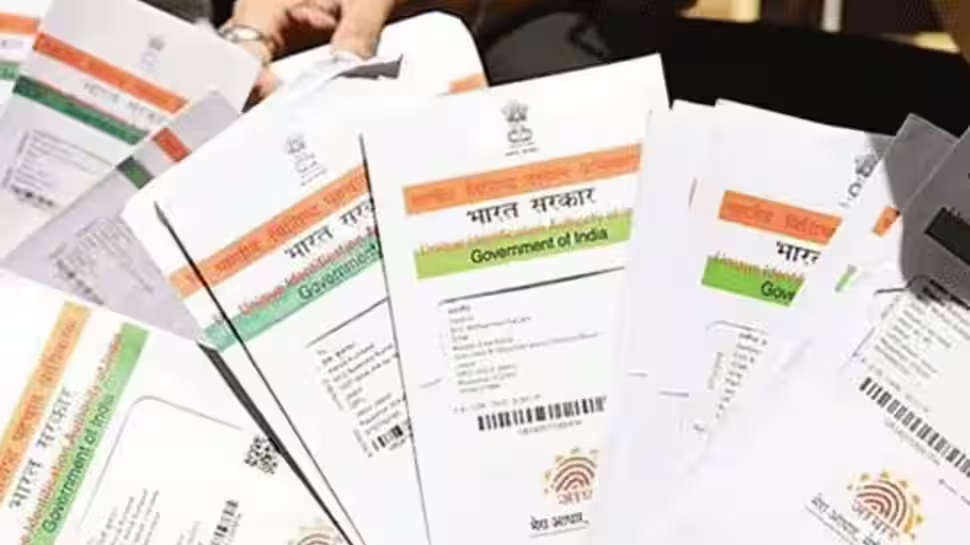
New Delhi: The Aadhaar card is one of the most important identity documents for Indian residents. Issued by the Unique Identification Authority of India (UIDAI), it is a 12-digit unique number that links an individual’s basic details with biometric information such as fingerprints, iris scans and photographs. Since Aadhaar is widely used as proof of identity and address across government and private services, keeping your personal information accurate and up to date is essential.
Importance of Mobile Number and Email Verification for Aadhaar
Verifying your mobile number and email ID with Aadhaar is essential to receive important OTPs, alerts, and updates from UIDAI on time. It plays a key role in protecting your Aadhaar from misuse and helps keep your personal information safe. Moreover, many government schemes and financial services rely on Aadhaar-based verification. If your mobile number is not linked or verified, you may face difficulties while accessing online Aadhaar services.
What to Keep Ready Before Verifying Aadhaar Mobile Number and Email
– Keep your 12-digit Aadhaar number ready before starting the verification process.
– Ensure you have access to the mobile number or email ID you want to verify.
– Make sure the mobile number is active, as you will receive an OTP for verification.
– Have a stable internet connection to avoid interruptions during the process.
How to Verify Your Mobile Number Linked with Aadhaar: Step-by-Step Guide
Verifying your mobile number with Aadhaar is a quick and simple process. Follow these easy steps to get it done online:
– Visit the official UIDAI website.
– Go to the “My Aadhaar” section.
– Click on “Verify Email/Mobile Number.”
– Enter your 12-digit Aadhaar number.
– Fill in the mobile number you want to verify.
– Complete the captcha and click on “Send OTP.”
– Enter the OTP received on your mobile phone.
– Click on “Verify OTP.”
– Once completed, the screen will confirm whether your mobile number is successfully verified with your Aadhaar.
How to Verify Your Email ID Linked with Aadhaar: Step-by-Step Guide
You can easily verify your email ID linked with Aadhaar by following these simple steps:
– Visit the official UIDAI website.
– Go to the “My Aadhaar” section and click on “Verify Email/Mobile Number.”
– Enter your 12-digit Aadhaar number.
– Enter the email ID you want to verify.
– Fill in the captcha and click on “Send OTP.”
– Check your email inbox for the OTP.
– Enter the OTP and click on “Verify OTP.”
After successful verification, a confirmation message will appear on the screen.
What to Do If Your Mobile Number or Email Is Not Linked with Aadhaar
If your mobile number or email ID is not linked to your Aadhaar, don’t worry—you can update it either online or by visiting an Aadhaar Seva Kendra. For online updates, log in to the UIDAI portal, select the contact details update option, and submit the required information. If you prefer the offline method, visit your nearest Aadhaar centre with your Aadhaar card and a valid ID proof.
Keeping your contact details updated helps you access Aadhaar-related services without any hassle. Since verifying your mobile number and email is quick and easy, completing this step now can save you from problems later and ensure uninterrupted access to Aadhaar-based services.

